Automated Excel templates & add-ins
Excel templates that do the work for you
Track tasks, schedule projects, draw WBS charts and flowcharts, all inside Microsoft Excel. Every template adds its own ribbon tab, so you click a button instead of writing formulas.
The templates
Free Excel templates for planning work
Pick the job you need done. Each template is an ordinary macro-enabled workbook, so your data stays in a file you own.
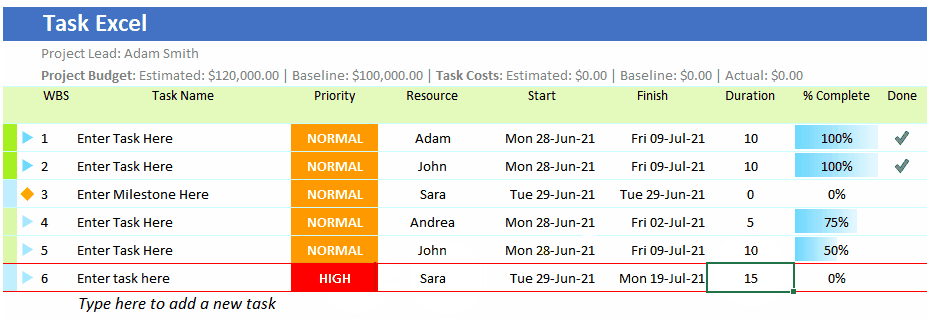
Task Excel
Task tracker for Excel with daily and hourly planners, resources, costs and a project dashboard.
Read more →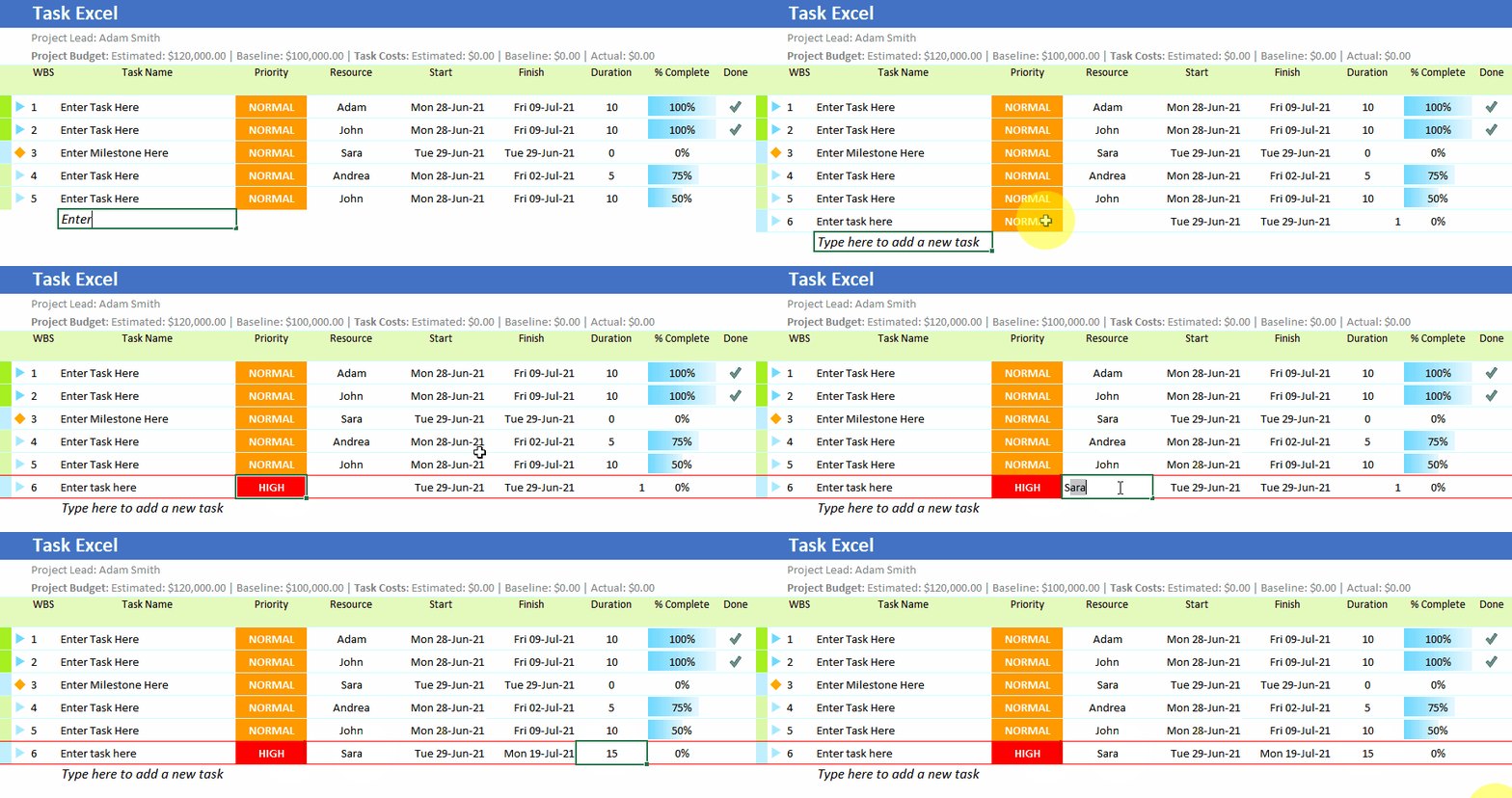
To-Do List
A free to-do list in Excel that grows into a full task tracker when your list gets bigger.
Read more →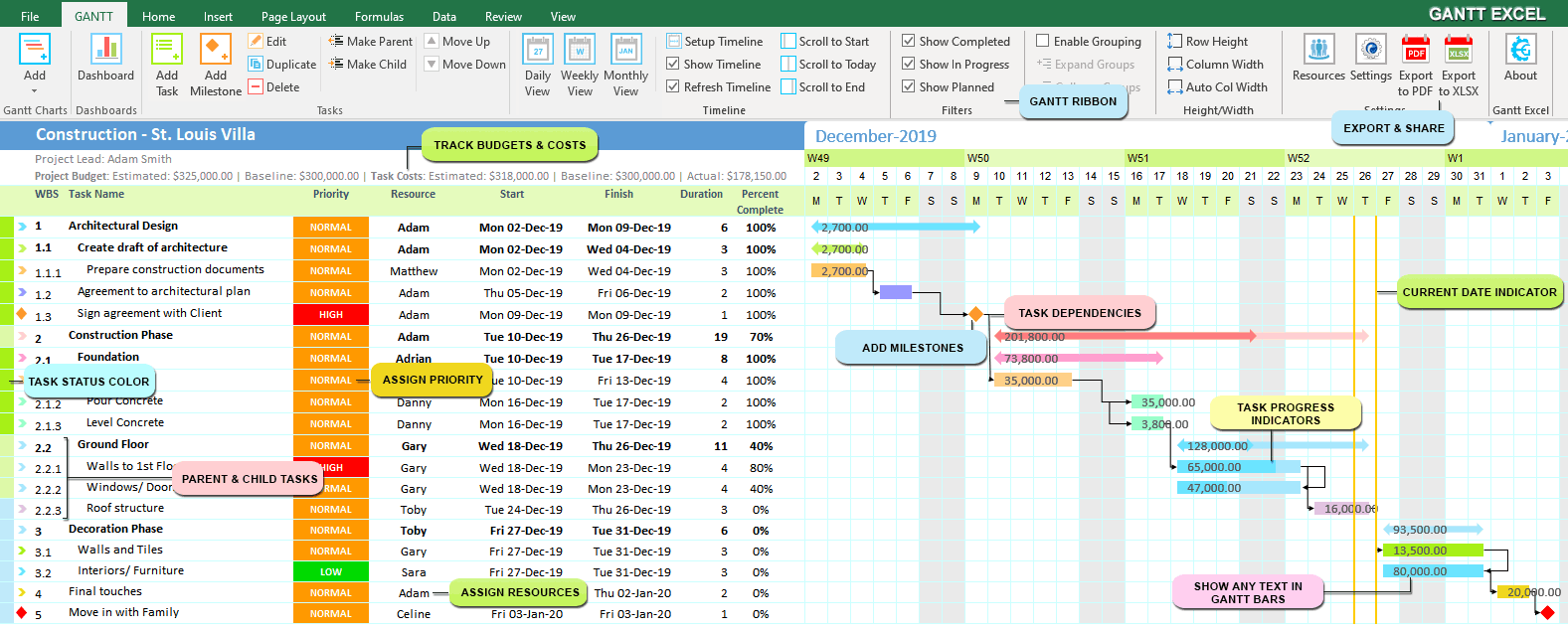
Gantt Excel
Full project scheduling in Excel: tasks, dependencies, milestones and a Gantt chart that draws itself.
Read more →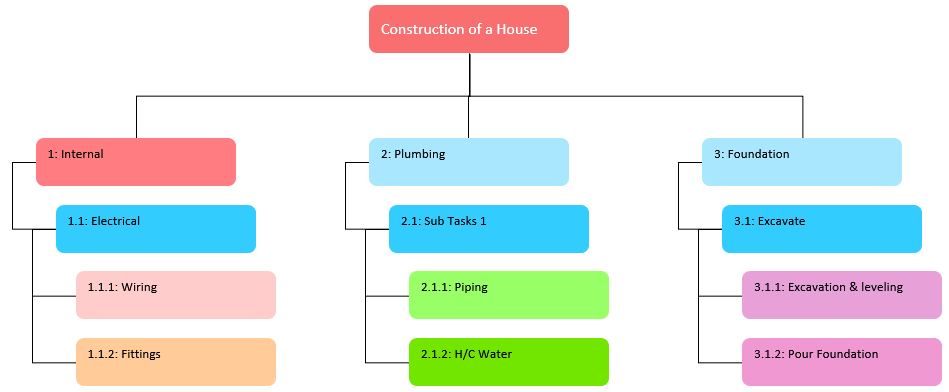
WBS Creator
Draw a work breakdown structure chart from a simple task list in Excel.
Read more →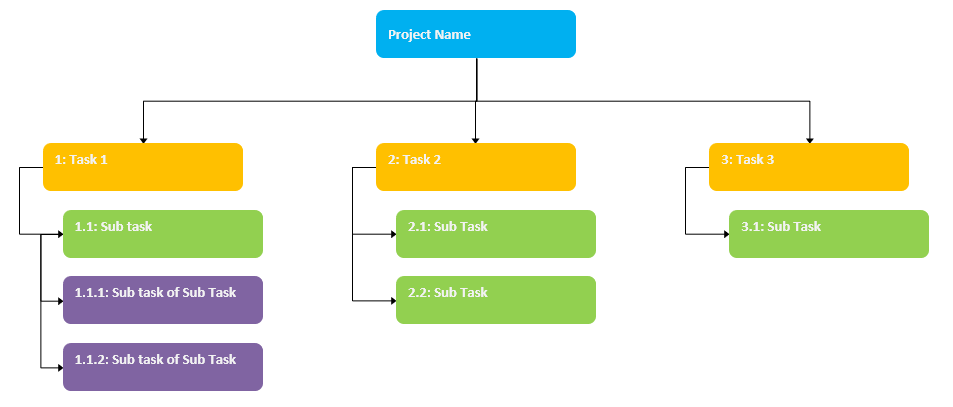
WBS Creator for Gantt Excel
Turn any Gantt Excel project plan into a WBS chart in one click.
Read more →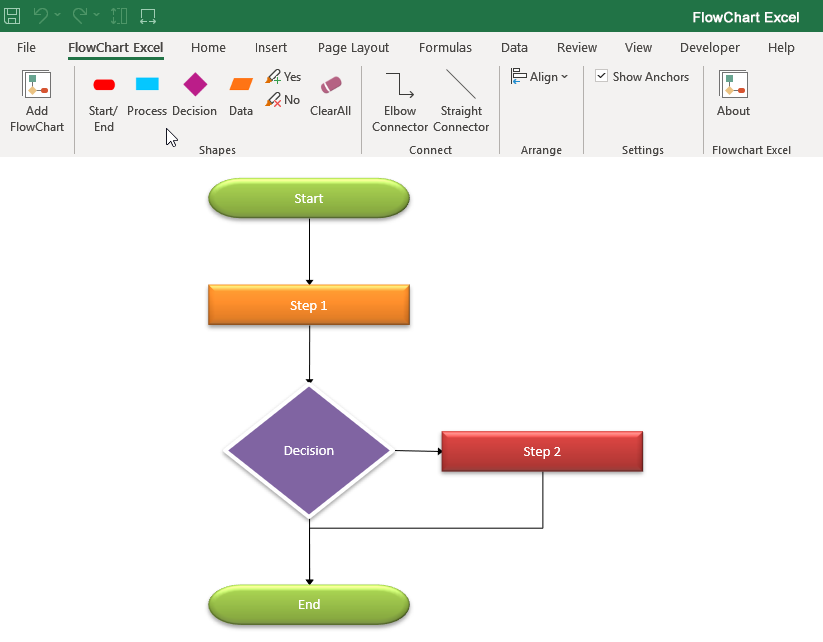
FlowChart Excel
An automated flowchart maker inside Excel. Add shapes from the ribbon and they connect themselves.
Read more →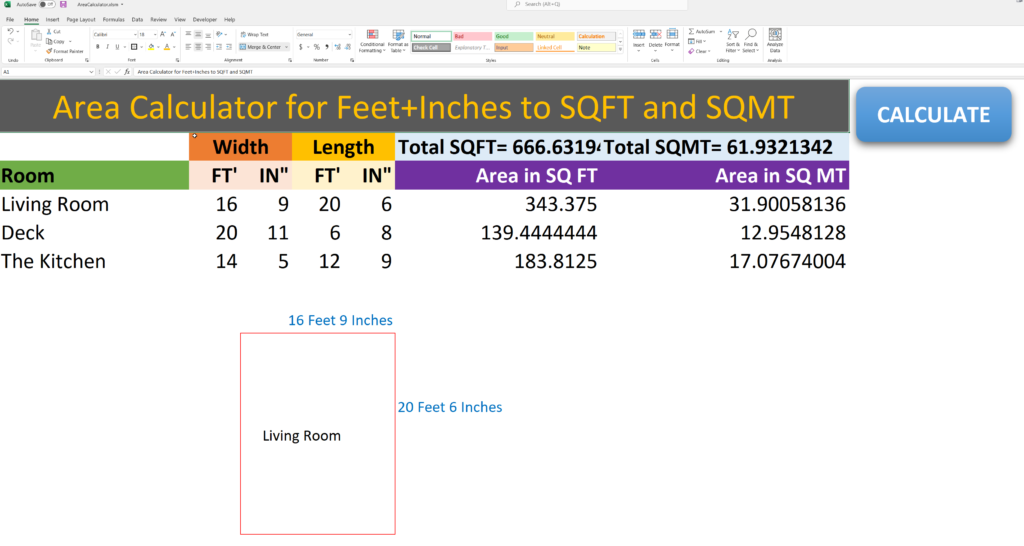
Area Calculator (feet & inches)
Work out the square footage of every room, and the whole house, from feet and inches.
Read more →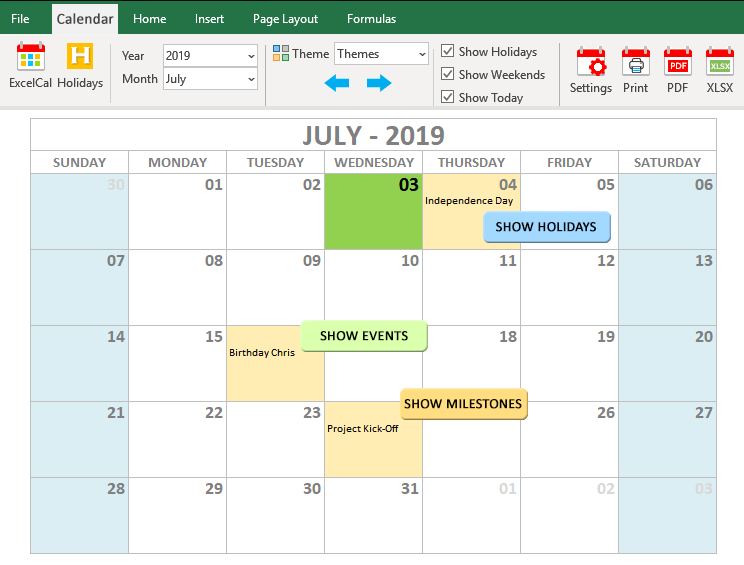
ExcelCal
Printable calendars in Excel, with your own holidays, events and milestones.Getting started
From download to your first plan in three steps
- 1Download the .xlsm fileFree versions arrive by email or download straight away. No account needed.
- 2Enable macrosThe automation runs on Excel macros. This guide shows the one click it takes.
- 3Use the new ribbon tabAdd tasks, milestones and resources from buttons, not formulas.

From the makers of Gantt Excel
Need a full project schedule?
Task Excel tracks tasks. When your project needs task dependencies, a critical path and a timeline that redraws itself, move up to Gantt Excel, our Gantt chart template for Excel. It works the same way: a ribbon tab, forms instead of formulas, and a file you own.